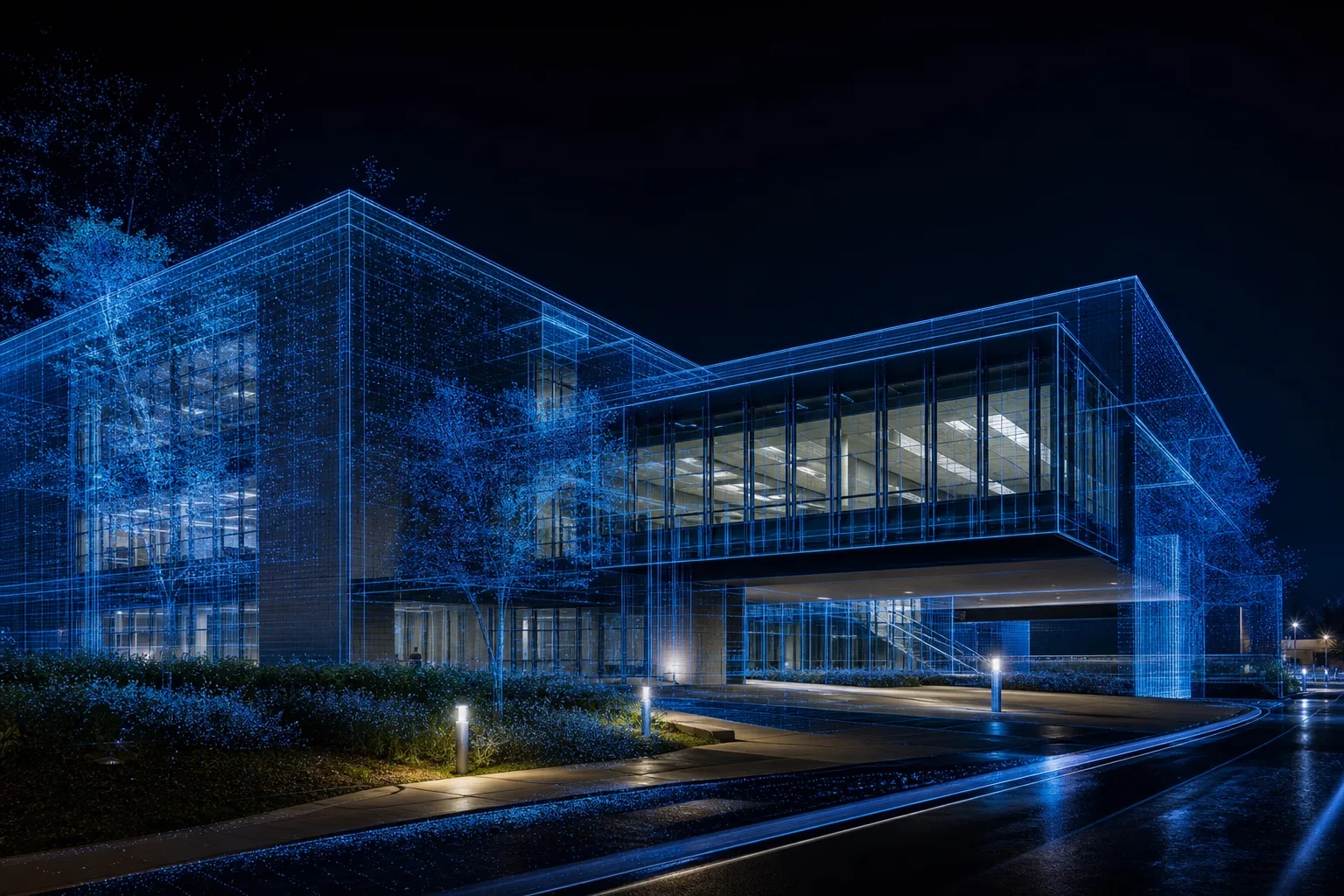
Mobile Scanning vs Static Scanning: When to Use Each for As-Builts
Mobile scanning vs static scanning compared for accuracy, speed, coverage, and Scan to BIM. Learn hybrid workflows, QA/QC, and LOD fit for EU and U.S. projects.
BimzstudioApr 13, 202613 min
mobile scanningstatic scanningSLAMterrestrial laser scanningScan to BIMQA/QC
Mobile Scanning vs Static Scanning: Speed, Accuracy, and Fit for Scan to BIM
Static terrestrial laser scanning (TLS) built the reputation of measured building capture. Mobile scanning—backpacks, handheld SLAM systems, and push carts—changed productivity expectations for large interiors. The new risk is swinging from one extreme to the other: either refusing mobile methods that could save weeks, or replacing controlled static work with fast trajectories that cannot defend tight tolerances.
This guide compares mobile scanning vs static scanning for as-built and Scan to BIM use, explains failure modes, and shows how hybrid workflows plus QA/QC produce reliable LOD deliverables for EU and U.S. projects.
Mobile mapping wins on speed; static stations win on local precision.
Static scanning places a scanner on tripods at discrete stations. Each setup captures a high-quality panorama of distances with known instrument characteristics. Registration combines setups using overlap, targets, and/or control.
Mobile scanning moves the sensor through space, estimating trajectory while capturing points—often with SLAM (Simultaneous Localization and Mapping) and sometimes with additional constraints. Coverage per hour can be dramatically higher in corridors, campuses, and multi-room interiors.
The problem projects face:
Owners hear “millimeter scanning” and assume every mobile path qualifies
Static crews over-capture simple offices that mobile methods could document
Hybrid datasets disagree because control fusion was an afterthought
Modelers discover trajectory drift in long basements after design has started
Mobile vs static is not a popularity contest. It is a tolerance, environment, and productivity decision that must be written into the scan plan and BEP.
Why It Happens
Marketing compresses nuance
Mobile systems advertise speed. Static systems advertise accuracy. Both claims can be true in context and false when misapplied.
Environments punish assumptions
Feature-poor corridors, repetitive parking structures, reflective plants, and outdoor-indoor transitions stress SLAM. Cluttered mechanical rooms punish too few static setups.
Procurement buys a method, not a result
RFPs that mandate “mobile scan the building” or “static only” skip acceptance criteria. Results then surprise everyone.
QA tools lag adoption
Some teams still know how to QA static registrations better than mobile trajectories. New methods require updated checklists.
Industry Examples (EU / USA)
Europe
Large public estates and hospitals: Mobile capture for rapid floor plates; static densification in theaters, labs, and plant rooms.
Industrial halls: Static or controlled mobile depending on bay size and piping density; survey control remains central.
Heritage cloisters and museums: Mobile for circulation documentation; static/photogrammetry for façades and ornate spaces needing higher fidelity.
Transit facilities: Night mobile passes for concourses; static for platform edge and structural interfaces.
United States
Campus utility tunnels: Mobile methods shine for length, but drift control is mandatory.
High-rise TI packages: Mobile for typical floors; static for risers and penthouses.
Airports: Mobile for passenger areas during limited windows; static for critical back-of-house.
Data centers / labs: Static preference where clearances and conflict costs are extreme.
Hybrid is increasingly the professional default.
Technical Explanation
Many projects combine mobile corridors with static plant-room detail.
Static TLS characteristics
Pros:
Mature accuracy workflows
Excellent for detailed local geometry
Strong target/control registration options
Predictable quality in complex MEP spaces when setups are dense enough
Cons:
Slower for vast simple interiors
More setups and moves
Higher labor for whole-campus first passes
Mobile / SLAM characteristics
Pros:
High productivity in connected interiors
Fewer interruptions in occupied spaces
Good for navigation models, space inventories, and many LOD 200–300 contexts
Rapid change-detection revisits
Cons:
Trajectory drift risk without constraints
Can struggle with low-feature or highly dynamic scenes
Local detail may be insufficient for tight fabrication interfaces
QA requires trajectory-aware thinking, not only setup residuals
Mobile vs static changes which term dominates. Your tolerance must leave room for modeling—not consume the entire budget in capture.
Hybrid architecture that works
Establish project control
Mobile primary coverage for extensive interiors
Static “anchors” at ends of long runs, atriums, and high-risk rooms
Fuse with explicit QA
Model to LOD by zone confidence
Operational Playbooks by Building Type
Office and education
Mobile methods usually win on typical floors. Static-scan stairs, shafts, and rooftop plants. Watch glass corridor drift. For Scan to BIM aimed at TI coordination, LOD 300 architecture from constrained mobile data is often sufficient if QA passes.
Healthcare
Use mobile for wards and admin where possible, but default to static for interventional, pharmacy compounding support, and primary mechanical corridors. Soft-clash clearances around medical gas and access panels demand trustworthy local geometry.
Industrial and data halls
Static priority in white space and utility galleries where prefabrication and clearance failures are existential. Mobile may map large empty shells quickly before equipment install, then static verifies final as-builts.
Parking and tunnels
Mobile productivity is excellent, but these are drift factories. Mandatory loop closures, intermediate control, and stripe QA. Do not claim tight absolute tolerances from unconstrained trajectories.
Heritage
Mobile can document circulation quickly for logistics planning. Ornament, vaults, and intervention interfaces still often need static and/or photogrammetry. Preserve measured-vs-interpreted discipline in the model.
Spec Language You Can Paste into a Brief
Use language like this rather than mandating a single method:
Capture methods may include static terrestrial laser scanning and/or controlled mobile scanning. Method selection shall be proposed by zone against the tolerance table below. Mobile-only coverage is not permitted in Red zones. All datasets shall be georeferenced to the project CRS. Deliverables shall include a method attribution map, registration/trajectory QA report, void log, and an accepted-cloud certificate before Scan to BIM production.
Then attach the green/amber/red tolerance table. This keeps vendors honest and comparable.
Modeling Implications
Modelers experience mobile and static clouds differently:
Mobile clouds may show more trajectory-related waviness on long walls—modeling standards must state whether to best-fit, segment, or flag.
Static clouds in cluttered rooms still need enough setups; otherwise modelers face the same occlusion problem.
Hybrid seams require clear guidance: which cloud is authoritative in overlap bands?
Put those rules in the BEP so LOD claims remain defensible.
Field Technique Notes That Change Outcomes
For mobile crews
Walk deliberate loops; avoid long one-way dead ends without return constraints
Slow down in feature-poor corridors; speed is not free accuracy
Pause to capture plant rooms with intentional pathing around equipment
Log trajectory breaks when elevators or outdoor jumps occur
Revisit after decluttering rather than accepting permanent occlusion
For static crews
Prioritize line-of-sight to pipe racks and beam soffits, not only floor center points
Add setups for behind-equipment faces in Red zones
Use targets in repetitive geometry
Photograph each setup context
Do not thin setups just because the room “looks captured” from one corner
For hybrid fusion
Capture intentional overlap bands
Identify which dataset is master in conflicts
Re-check absolute control after fusion
Publish a method map with the deliverable
These techniques sound basic. Skipping them is why mobile-vs-static debates get religious instead of technical.
QA Metrics Examples (Illustrative)
Projects should set their own numbers, but examples help conversations:
Relative registration in office Green zones: local seams visually clean; sample cloud-to-cloud within agreed cm-level band
Red zone static work: tighter local tolerances suitable for prefabrication interfaces
Mobile tunnel runs: drift checks every X meters against control or static anchors
Absolute site fit: check points within survey specification
Write the actual numbers into the brief. Illustrative text without project values is not acceptance criteria.
Decision Matrix: Choosing Under Schedule Pressure
When access collapses to a single overnight window, use this triage:
Must capture tonight: Red-zone surfaces that block design freeze
Should capture: Amber coordination zones with partial visibility acceptable if documented
Can defer: Green context areas with planned second visit
Must document if skipped: Anything not captured, with photos and reason codes
The worst outcome is random walking that half-captures everything and fully secures nothing. Mobile tools help under pressure, but only if the triage list exists before the clock starts. Static kits should still be reserved for the Red list even on a mobile-first night.
Owners should contractually allow this triage logic. Otherwise crews will silently invent it—and hide the consequences in an incomplete cloud.
After Capture: What Modelers Need on Day One
Whether the cloud came from mobile, static, or both, the modeling team needs:
Accepted CRS statement and units
Method attribution map
Void/exclusion log with photos
Registration or trajectory QA summary
Zone tolerance table tied to LOD intent
Guidance on authoritative dataset in overlap bands
Access to raw archives if deviation disputes arise
If any of these are missing, pause. Starting Scan to BIM on an undocumented hybrid dataset recreates the exact ambiguity mobile-vs-static debates were supposed to solve.
In short: choose mobile for breadth, static for critical depth, constrain trajectories, fuse on shared control, and prove fitness with QA before anyone claims an LOD. That is the entire argument—everything else is implementation detail.
Best Practices
Use static scans where fabrication and clash risk concentrate.
Select method by zone, not by slogan.
Always define absolute/relative tolerances.
Constraint mobile trajectories with control, loops, or static ties.
Static-scan every high-cost interface.
Validate fusion before modeling.
Document uncertainty where mobile-only coverage exists.
Train crews on site-type failure modes.
Use revisit passes after decluttering critical rooms.
Align method choice to LOD matrix cells.
Pay for accepted coverage, not for walking kilometers.
Step-by-Step Solution
Step 1: Map geometric risk
Color-code plans: green (context), amber (coordination), red (prefab/tie-in).
Step 2: Assign methods
Green → mobile candidates
Amber → mobile + spot static or careful mobile
Red → static primary
Step 3: Design control and loop closures
Especially for tunnels, garages, and long corridors.
Step 4: Field pilot
Test one green and one red zone. Compare cloud usability for modeling.
Step 5: Full capture with daily trajectory/registration QA
Stop and correct when drift appears—do not “fix it in modeling.”
Step 6: Fusion and void reporting
Publish method-of-capture layers so modelers know confidence by area.
Step 7: Scan to BIM production with deviation checks
Tighter sampling in static red zones; honest inference tags in mobile-only context if needed.
Case Study
Project: EU university medical faculty renovation (multiple wings) Constraint: Minimal disruption to teaching labs; tight mechanical corridors.
Plan:
Mobile scanning of classrooms and offices over evenings
Static scanning of shafts, basement utilities, and two vivarium-support rooms
Shared control network campus-wide
QA comparing mobile-to-static overlap bands
Issue caught in QA: A 120-meter basement run showed progressive drift until an intermediate static anchor and loop closure were added.
Outcome: Typical floors modeled efficiently from mobile data at LOD 300 architectural scope; utilities modeled from static-priority clouds with stronger deviation performance. The hybrid approach beat an all-static schedule and beat an all-mobile risk profile.
Common Mistakes
Using unconstrained mobile as fabrication truth
Static overkill on empty office floors
No overlap bands between methods
Ignoring moving people/vehicles in trajectories
Fusing datasets in different unofficial coordinate systems
No method attribution in deliverables
Assuming SLAM updates removed the need for control
Starting LOD 400 claims on mobile-only plant rooms
Expert Tips
Walk the trajectory mentally before walking it physically. Predict low-feature segments.
Close loops early and often on mobile jobs.
Place static setups where dollars will be spent later—not only where walking is easy.
Section long corridors in QA to spot banana-curve drift.
Declutter red zones even if green zones stay occupied.
Record which cloud supports each model zone in the BEP.
Don’t argue brand; argue error budget.
Keep a static kit available on mobile-first projects for surprises.
Future Trends
Better real-time drift warnings on mobile devices
Automatic mobile-static fusion assistants
Uncertainty maps delivered with clouds
Contracts specifying method mixes by zone
Digital twin revisit cadences using mobile change detection + static verification sampling
Speed will keep rising. Defensible uncertainty will become the differentiator.
FAQ
1. Is mobile scanning accurate enough for Scan to BIM?
Yes for many LOD 300 architectural/context scopes when constrained and QA’d; often not alone for the tightest MEP prefabrication interfaces.
2. When is static scanning mandatory?
High-risk plant rooms, precise tie-ins, many heritage detail zones, and any scope where the error budget cannot absorb trajectory uncertainty.
3. Can mobile replace static entirely?
Sometimes on simple assets with modest tolerances. On complex renovations, hybrid is usually wiser.
4. What causes mobile drift?
Weak features, long open paths without constraints, dynamic clutter, poor loop closure, and weak control ties.
5. How should QA differ between methods?
Static QA emphasizes setup registration residuals and local seams. Mobile QA adds trajectory review, loop closure evidence, and drift checks over distance.
6. Does LOD change with method?
Your claimed LOD should reflect achievable verified geometry. Method influences what you can honestly claim.
7. Are EU and U.S. preferences different?
Survey culture and client specs vary, but risk-based hybrid logic travels well.
8. What should owners put in the RFP?
Tolerances by zone, accepted methods, control requirements, fusion QA, and pilot obligations—not only “mobile” or “static.”
Summary
Mobile scanning vs static scanning is a trade between productivity and local defensibility. Static TLS remains the anchor for high-risk geometry. Mobile methods unlock speed across large interiors when constrained by control and loop discipline. The professional solution on most renovations is hybrid: mobile for breadth, static for critical depth, unified coordinates, and QA/QC before Scan to BIM.
Choose methods zone by zone against LOD and tolerance—not by trend.
Plan a Hybrid Capture-to-BIM Path with Bimzstudio
Bimzstudio delivers Scan to BIM from verified point clouds—whether your capture is static, mobile, or hybrid. We help EU and U.S. teams define zone tolerances, review registration/trajectory quality, and model to the right LOD with model-to-cloud QA/QC.
If you are unsure whether mobile coverage is enough for your mechanical scopes, send a sample area and requirements. We will tell you what is decision-ready and what needs static densification before modeling.