
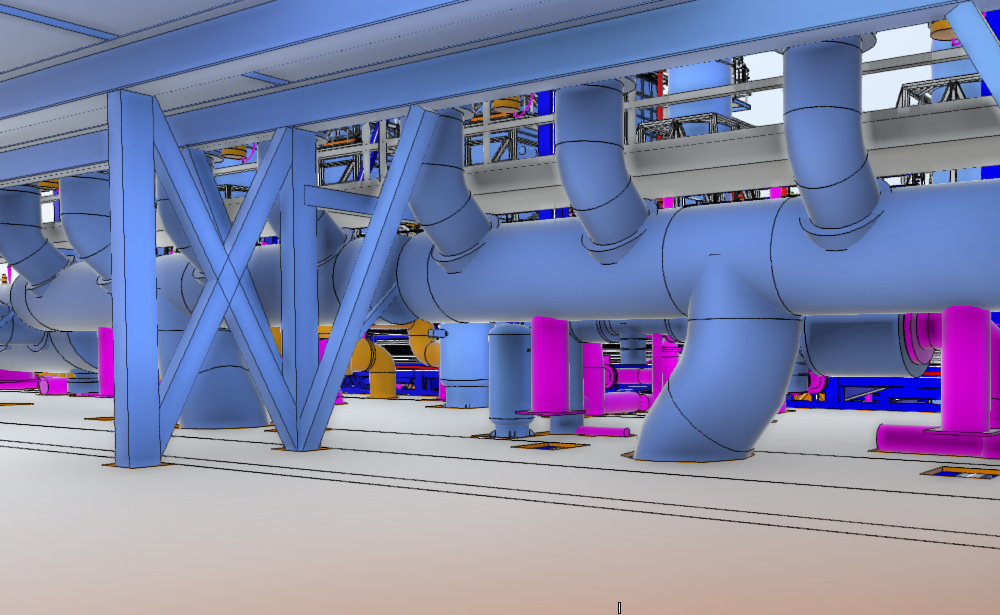
BIM Coordination & Clash Detection
Using Autodesk Navisworks and BIM 360, our coordination team identifies and resolves hard, soft, and workflow clashes across all disciplines before construction begins. We produce structured clash reports, host coordination meetings, and track issue resolution through to sign-off.
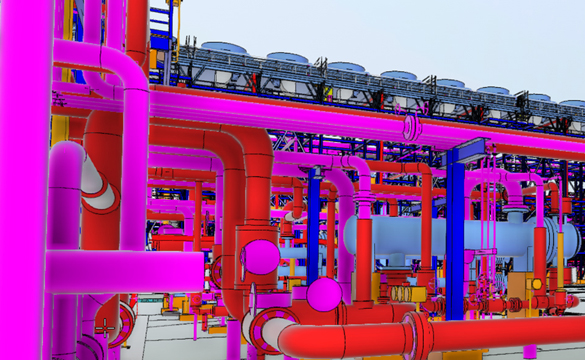
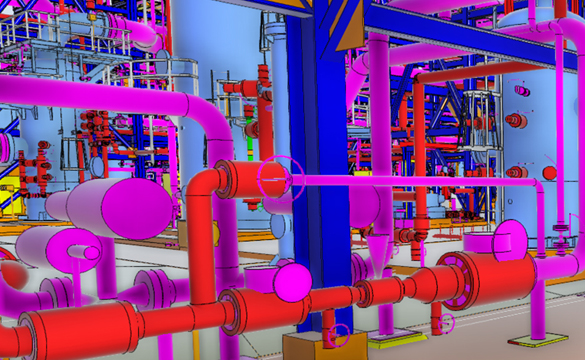
3D modeling
Room Measurement
2d planning
Why Work With Us
We combine field-proven point cloud expertise with disciplined BIM authoring practices to deliver models and drawings that are accurate, coordinated, and immediately usable. Our team operates across time zones, maintains fast turnaround cycles, and scales to project demands — from single-building surveys to multi-site portfolio programmes.
Frequently asked questions
General Concepts
BIM Coordination is the process of integrating 3D models from various disciplines—architecture, structure, and MEP—into a single “federated” model. This ensures that all systems fit within the allocated space and function together without interference.
Clash Detection is a computerized check within the BIM environment that identifies where two or more building elements occupy the same space. For example, a plumbing pipe running through a structural steel beam or an HVAC duct intersecting with a lighting fixture.
We primarily use Autodesk Navisworks Manage and Revit for clash detection and coordination. We also utilize Autodesk Construction Cloud (BIM 360) for real-time cloud-based collaboration and issue tracking.
We identify three main types of conflicts:
- Hard Clashes: Physical intersections where two components overlap (e.g., a pipe hitting a wall).
- Soft Clashes (Clearance Clashes): Elements that don’t touch but violate necessary clearances (e.g., a pipe too close to an electrical panel for safe maintenance).
- 4D/Workflow Clashes: Scheduling conflicts where the installation sequence of one component interferes with another.
We don’t just find problems; we provide solutions. After running a clash report, we categorize issues by priority. We then coordinate with the respective design teams to adjust the Revit or ArchiCAD models until the “clash-free” status is achieved.
A Clash Detection Report is a professional document we provide that lists every conflict found, including:
- Snapshots of the clash in the 3D model.
- The exact grid location and element IDs.
- A description of the conflict and a suggested architectural or engineering fix.
Yes. We can facilitate “Clash Resolution Meetings” with your project stakeholders. We walk through the federated model in Navisworks, discuss high-priority clashes, and assign responsibility for revisions to ensure the project stays on schedule.
It is significantly cheaper to move a pipe in a Revit model than it is to reroute it on the construction site. By resolving conflicts digitally, you avoid:
- Costly Change Orders (RFI).
- Material waste and rework.
- Delays in the construction timeline.
The most effective time is during the Design Development (DD) and Construction Documentation (CD) phases. Starting coordination early ensures that the design is fully validated before the first shovel hits the ground.
To perform coordination, we need the 3D models from all involved disciplines. Typical formats include:
- Native Revit (.rvt) or ArchiCAD (.pln) files.
- IFC files for OpenBIM collaboration.
- NWC/NWD (Navisworks) files if you already have them exported.
We utilize cloud platforms like BIM 360 or Revizto, allowing us to work with teams globally. This enables real-time issue tracking and ensures that everyone is working on the most current version of the model, regardless of their time zone.
We can provide a sample Clash Report to show you how we identify and document issues for your team to resolve.