
Revit Family Creation Services
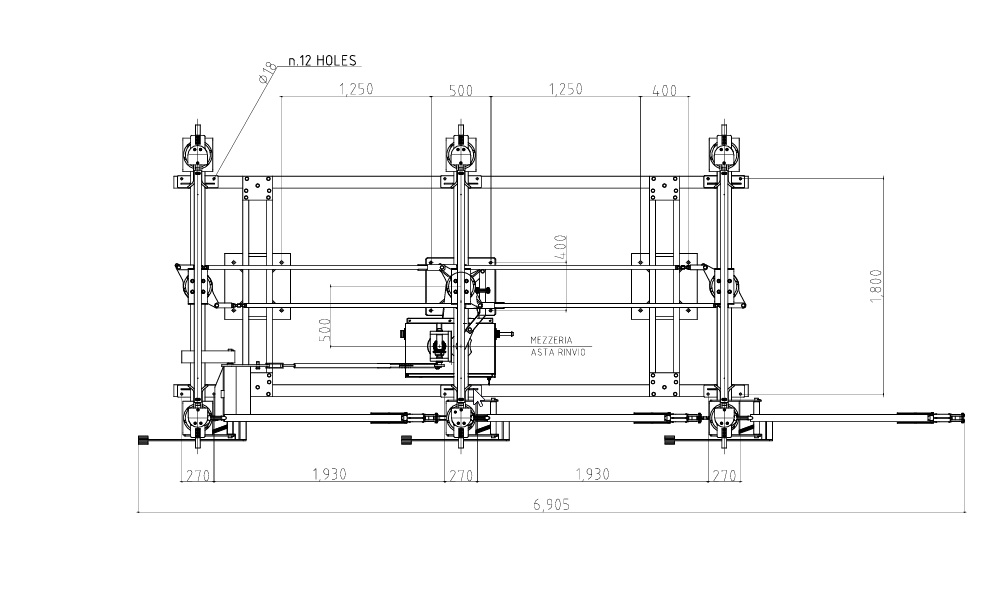
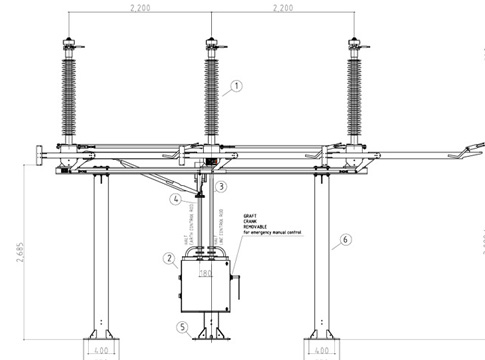
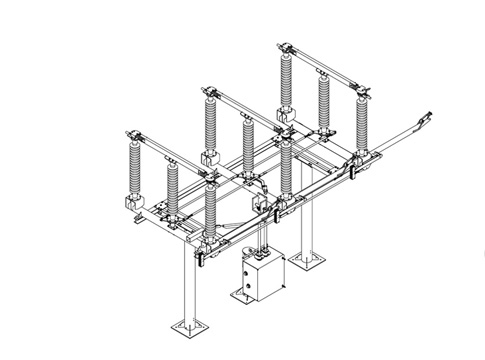
We develop custom Revit families — both system and loadable — built to exact manufacturer specifications or bespoke project requirements. Each family is authored with correct geometry, parameters, material assignments, and type catalogues, ensuring seamless integration into any project template.
3D modeling
Room Measurement
2d planning
Why Work With Us
We combine field-proven point cloud expertise with disciplined BIM authoring practices to deliver models and drawings that are accurate, coordinated, and immediately usable. Our team operates across time zones, maintains fast turnaround cycles, and scales to project demands — from single-building surveys to multi-site portfolio programmes.
Frequently asked questions
General Concepts
Revit Families (rfa) are the building blocks of a BIM model. They are 3D objects—such as windows, furniture, mechanical equipment, or structural components—that contain both geometric data and functional parameters (like dimensions, materials, and manufacturer data).
System Families (like walls, floors, and roofs) are built into the Revit project environment. We specialize in Loadable Families, which are external files created specifically for your project or product line and can be used across multiple models.
We can develop a wide range of content, including:
- Architectural: Custom cabinetry, doors, windows, and furniture.
- MEP: HVAC units, pumps, electrical panels, lighting fixtures (with IES data), and plumbing fixtures.
- Structural: Custom steel connections, precast elements, and specialized foundations.
- Annotation: Custom tags, title blocks, and symbols that match your branding.
Yes. All our families are built with parametric constraints. This means you can change the height, width, depth, or material of an object simply by typing in new values in the Properties palette, and the 3D geometry will update instantly.
Absolutely. We can create complex “Nested” families where multiple components are grouped together (for example, a window family that includes a nested shutter and hardware) to allow for sophisticated scheduling and visibility controls.
“Heavy” families with too much detail can ruin model performance. We focus on Lean Modeling—balancing high-quality visual representation with small file sizes. We use clean geometry, avoid excessive 3D modeling where 2D symbolic lines will suffice, and manage LOD (Level of Detail) settings effectively.
We create content for all stages of a project:
- LOD 200/300: Clean geometry for design and coordination.
- LOD 400: Detailed components suitable for fabrication, including connectors and realistic manufacturer data.
Yes. We can follow standard naming conventions and shared parameter files (like the NBS BIM Object Standard) to ensure your families are compatible with professional BIM workflows and COBie requirements
To get started, we typically need:
- Product data sheets or 2D technical drawings (pdf or dwg).
- Photographs or sketches of the object.
- A list of required parameters (e.g., “I need the color and the BTU rating to be editable”).
- The Revit version you are currently using.
Yes. While we prefer to build families natively in Revit for better performance, we can “re-topologize” geometry from AutoCAD 3D, Rhino, or SketchUp into clean, parametric Revit content.
If your firm uses a specific Shared Parameters file for scheduling, we can use that file during the creation process. This ensures that the data in our families will automatically populate your project’s schedules and tags.
Pricing is usually based on the complexity of the object. A simple table is priced differently than a complex, multi-configuration mechanical pump. We offer per-family pricing or bulk discounts for large product catalogs.
You will receive the native .rfa file, along with any associated Type Catalogs (text files that allow for many sizes within one family) and a sample Revit project (.rvt) to demonstrate how the family functions.