
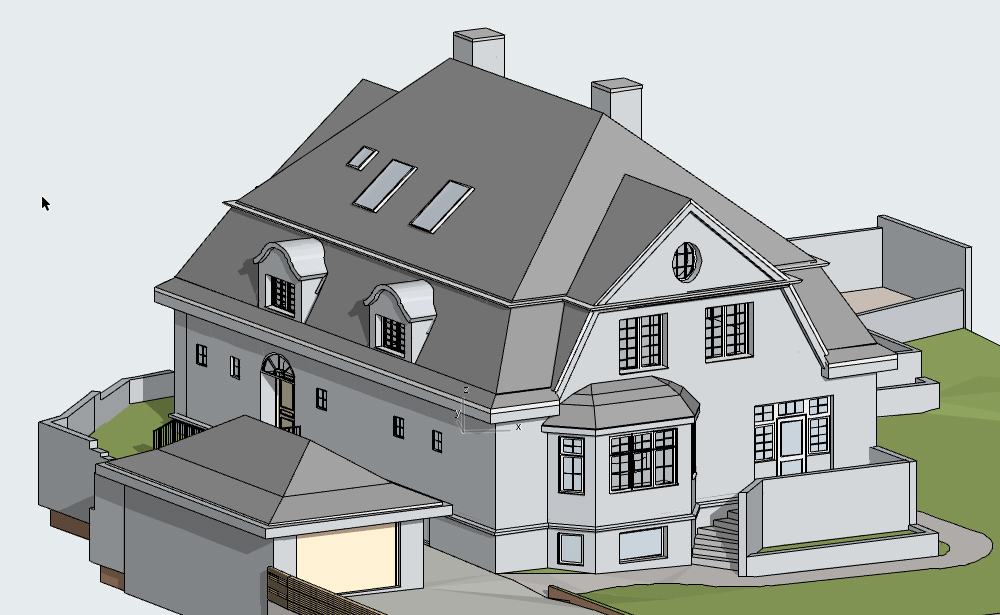
CAD to BIM Conversion
We migrate legacy 2D CAD documentation into intelligent 3D BIM environments, enriching drawings with parametric data, element properties, and lifecycle information. This service supports clients transitioning to BIM-compliant workflows for new tenders, asset management, or regulatory requirements.
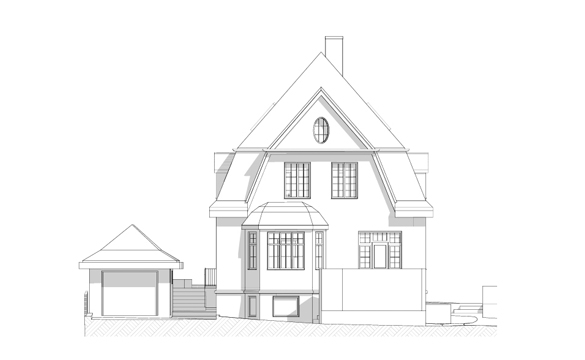
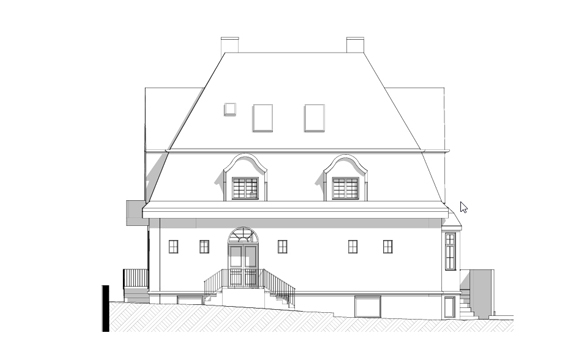
3D modeling
Room Measurement
2d planning
Why Work With Us
We combine field-proven point cloud expertise with disciplined BIM authoring practices to deliver models and drawings that are accurate, coordinated, and immediately usable. Our team operates across time zones, maintains fast turnaround cycles, and scales to project demands — from single-building surveys to multi-site portfolio programmes.
Frequently asked questions
General Overview
It is the process of transforming traditional 2D AutoCAD drawings (DWG) or PDF blueprints into a data-rich 3D Building Information Model (BIM). Unlike a flat CAD drawing, a BIM model contains intelligent elements like walls, doors, and windows that carry specific physical and functional data.
Converting to BIM allows for:
- Better Visualization: See your building in a 3D environment.
- Quantity Take-offs: Automatically generate accurate material lists.
- Future-Proofing: Prepare your project for modern renovation, energy analysis, or facility management.
- Clash Detection: Identify spatial conflicts that aren’t visible in 2D.
We primarily convert CAD data into Autodesk Revit or ArchiCAD, depending on your firm’s preference. We ensure the final model is native and fully editable in your chosen platform.
We typically provide three levels for CAD conversions:
- LOD 200: General spatial modeling with approximate sizes and shapes.
- LOD 300: Precise geometry suitable for construction documentation and coordination.
- LOD 350: Detailed modeling including support systems and connections.
Yes. While high-quality DWG files are preferred, we can work from PDFs, scanned images, or even clear hand-sketches. Our team uses architectural expertise to interpret the drawings and build an accurate 3D representation.
Absolutely. We can follow your office-specific Revit templates, naming conventions, and layering standards. If you do not have a standard, we utilize industry-standard BIM protocols (like AIA or ISO) to ensure the model is organized and professional.
We perform a rigorous Quality Assurance (QA) check. This involves overlaying the original CAD drawings onto the new 3D model to ensure every wall, window, and structural element is perfectly aligned and scaled correctly.
Yes. If your 2D CAD sets include MEP drawings, we can model the pipes, ducts, and electrical conduits into the BIM environment to create a fully coordinated MEP model.
To provide an accurate estimate, please provide:
- The 2D CAD or PDF files.
- The total floor area of the building.
- The desired BIM platform (Revit or ArchiCAD).
- The required LOD (Level of Development).
The timeline varies based on project complexity. A standard residential floor plan might take 2–3 business days, while a complex commercial building can take 1–2 weeks. We always provide a clear schedule before starting.
You will receive the native BIM file (rvt or pln), along with an IFC file for universal compatibility and 3D views for your presentation needs.
We can provide a small sample conversion of one of your rooms to demonstrate the level of detail and quality you can expect for the entire project.